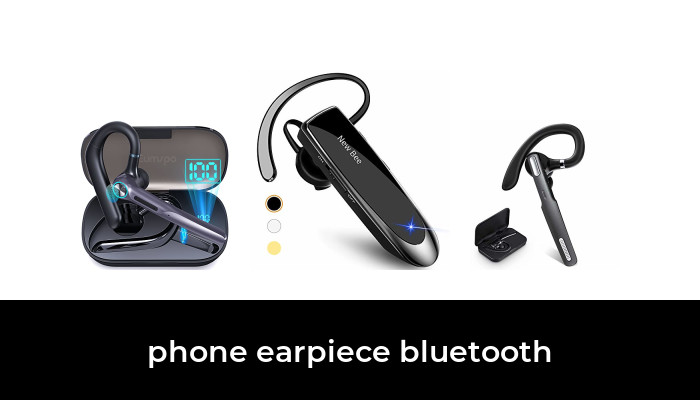
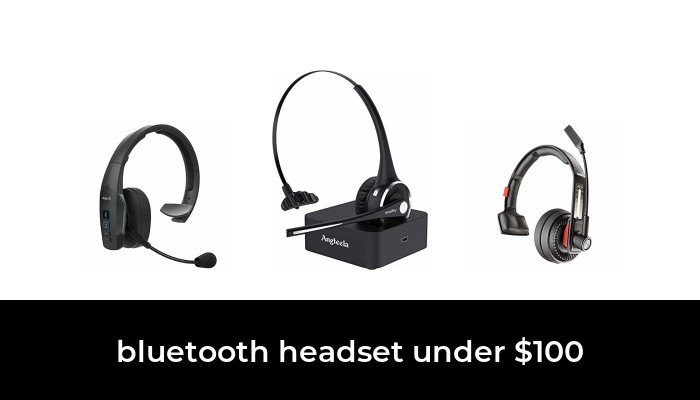
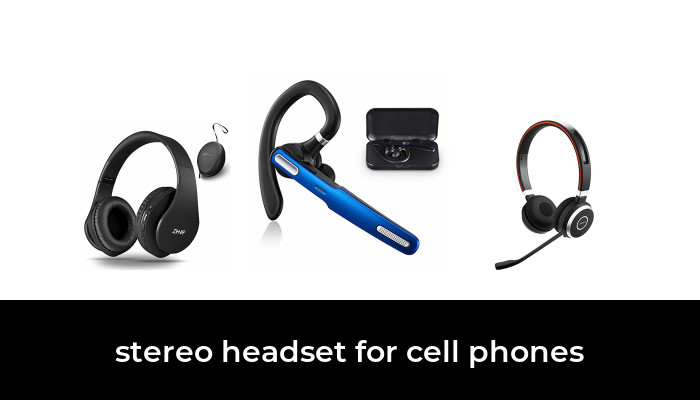
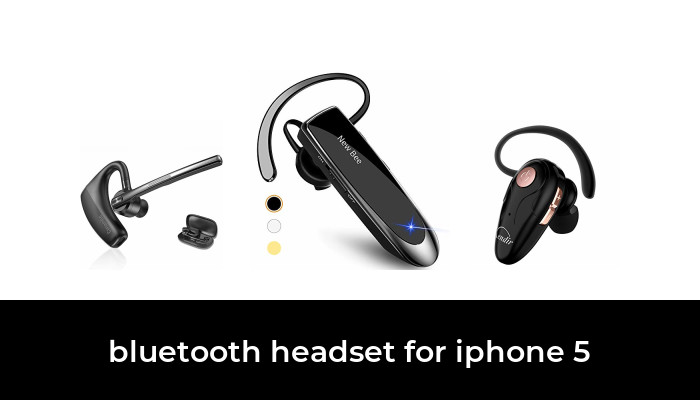
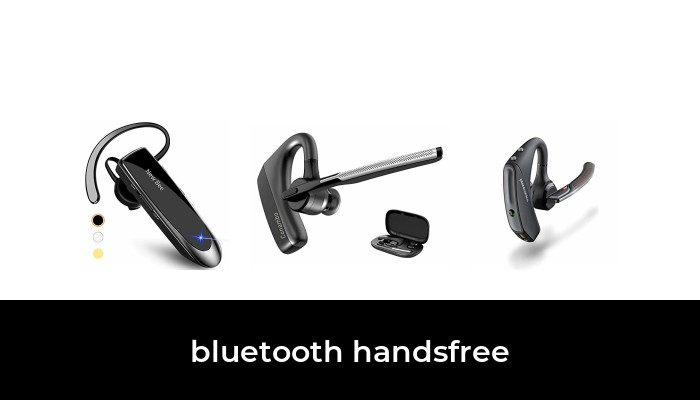
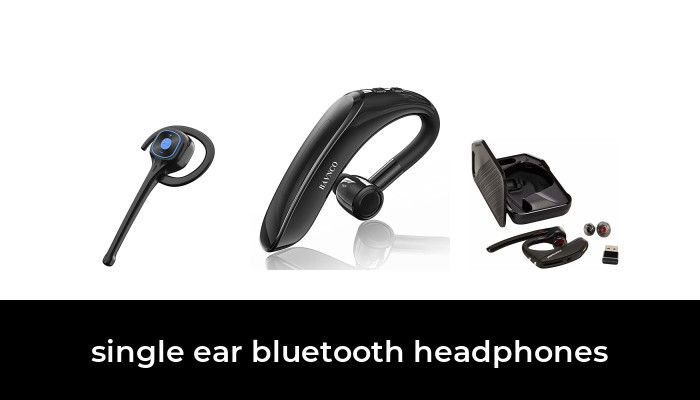
For a Bluetooth earpiece mainly used with a cell phone, compare the Poly Voyager 5200 and BlueParrott M300-XT SE first. The Voyager 5200 is worth considering for its established mobile-call design and physical controls. The M300-XT SE is the more useful starting point if USB-C charging and a longer manufacturer-rated talk time matter most.
Both are single-ear headsets with a microphone boom. Neither specification sheet can tell you whether the earpiece will fit comfortably with your glasses or how your voice will sound in your particular room. Treat the recommendations as a shortlist, then check fit, phone compatibility and the seller’s return terms.
Two Bluetooth earpieces to compare
- Poly Voyager 5200: a compact mobile headset with dedicated controls and a manufacturer rating of up to seven hours of talk time. The selected package is the mobile headset, not a UC computer bundle.
- BlueParrott M300-XT SE: a USB-C model rated for up to 14 hours of talk time, with a programmable BlueParrott button and IP54 protection.
The talk-time figures are manufacturer limits, not results from our own battery test. Leave charging margin for your actual call schedule. A headset’s standby figure is much less useful than its talk time when you spend much of the day on calls.
Poly Voyager 5200: a mobile-focused option with familiar controls

Poly Voyager 5200 Bluetooth Mobile Headset, Black Standard Package, One Headset
As an Amazon Associate we earn from qualifying purchases.
The selected Voyager 5200 listing is one black headset intended for connecting to a mobile phone or tablet over Bluetooth. It is a useful candidate if you want a small boom microphone and separate controls rather than an all-purpose pair of music earbuds.
HP’s Voyager 5200 specifications identify WindSmart technology, a noise-cancelling microphone, call and volume controls, and up to seven hours of talk time. These describe intended capabilities. They do not establish that every call will be clear in wind or that it will outperform the BlueParrott in your surroundings.
The Voyager 5200 user guide documents micro-USB charging and adjustment for either ear. Pay particular attention to how the body sits behind your ear and whether your glasses compete for the same space. Try the supplied ear-tip sizes before deciding that the headset is too loose or needs to be pressed in harder.
- Consider it for: phone calls when you prefer a compact headset with physical controls.
- Check first: comfort with eyewear, the condition of the charging port and whether a seven-hour maximum leaves enough margin.
- Package caution: do not assume this mobile listing includes a charging case or USB computer adapter. Voyager 5200 UC and Office bundles can contain different accessories.
BlueParrott M300-XT SE: USB-C and a longer rated calling window

The M300-XT SE is worth comparing if you move between calls and other tasks and want charging that uses USB-C. The selected black listing identifies model 204440 and one headset, with a cable and three ear-gel sizes.
BlueParrott’s product specifications list Bluetooth 5.1, two simultaneous Bluetooth connections, a 20-gram weight and up to 14 hours of talk time. The programmable BlueParrott button can be assigned to a supported function such as mute or speed dial. Its usefulness depends on what you actually need to reach quickly.
The manufacturer’s M300-XT SE data sheet specifies two noise-cancelling microphones and IP54 protection. The Amazon page currently contains a conflicting four-microphone claim; this guide follows the manufacturer’s two-microphone specification. IP54 is limited dust-and-water protection, not permission to immerse the headset.
- Consider it for: a longer rated calling window, USB-C charging and configurable access to a useful control.
- Check first: the hook’s fit on your ear and the way your two phones handle incoming calls.
- Package caution: buy the SE variant you intend. The older M300-XT and renewed listings are separate choices with different condition and seller considerations.
How to choose an earpiece for your phone
Start with the calls you actually make
A headset used for occasional conversations at home has different demands from one worn through a long series of work calls. Think about where you sit or walk, whether nearby conversations are common and whether you regularly move between quiet and noisy areas.
Microphone noise reduction is intended to improve what the other person hears. It is not the same as active noise cancellation that reduces sound reaching your ears. A single-ear headset also leaves one ear uncovered, which can be useful for hearing your surroundings but does not guarantee that calls will remain easy to follow in loud places.
Check controls and fit together
Try the earpiece with the glasses, hairstyle or headwear you normally use. Look for a stable fit without pressure, then check that you can find answer, volume and mute controls without pushing the headset out of position. Do this while stationary and before relying on it for work.
If the device hurts or keeps shifting, change the tip or fit according to its instructions. A heavier-looking hook does not prove that it will be uncomfortable, and a very low weight does not guarantee a good fit. Individual shape matters.
Match the package to phone versus computer use
For a phone-only setup, a Bluetooth mobile package may be all you need. For frequent laptop meetings, check the manufacturer-supported computer bundle, USB adapter and calling-platform compatibility separately. Do not infer reliable mute synchronization or meeting controls simply because a computer can pair with a headset.
Multipoint means more than one device can be connected; it does not mean two conversations are mixed together. The BlueParrott manual explains its call-handling behavior. If you use a work and personal phone, check that behavior before it becomes an interruption during an important call.
Before keeping a new headset
- Check the exact label and package. Confirm model, new or renewed condition, accessories and return terms.
- Pair it using the model’s instructions. Check the phone’s selected call-audio route if the headset connects but sound remains on the handset.
- Make an ordinary test call while stationary. Ask the other person about your voice in your normal setting. Check mute, volume and reconnecting after charging.
- Check a realistic stretch of use. Evaluate comfort and remaining battery during your own routine rather than treating the advertised maximum as a guaranteed shift length.
A note about driving
A hands-free earpiece does not remove the distraction of a conversation. NHTSA includes talking on a phone among driving distractions and encourages phone-free driving. Set up or adjust the headset while safely parked, follow applicable local rules and put off calls that draw attention away from the road.
Choose the Voyager 5200 if its fit and mobile controls suit you and its charging arrangement is acceptable. Start with the M300-XT SE if USB-C and the longer rated talk time are higher priorities. In either case, a comfortable fit and a successful check with your own phone are more useful than an unsupported claim that one headset is best for everyone.
Image note: Relevant existing category illustration retained.