
A Bluetooth earpiece for an iPhone 5s needs to handle ordinary phone calls without depending on a modern companion app. That matters more than a new Bluetooth version or a long feature list. The Poly Voyager 5200 is a call-focused model worth investigating, but we could not establish a current manufacturer guarantee covering every iPhone 5s configuration. Buy only after confirming basic calling compatibility and the seller’s return conditions.
This guide is based on Apple documentation, the headset manual and the exact product listing. It is not a hands-on comparison. The iPhone 5s is old enough that phone software, carrier support and headset firmware all deserve attention before you spend money.
First check what your iPhone 5s can actually do
Apple lists Bluetooth 4.0 and a 3.5mm headphone jack for the iPhone 5s. Its software belongs to the iOS 12 generation. Apple’s iOS 12 update notes document that legacy software branch; buying a headset will not give the phone features or app support from a newer iPhone.
Separate these three checks:
- Phone service: Can this particular phone and SIM still make and receive the calls you need? Confirm service with your carrier before treating an earpiece as the solution.
- Basic Bluetooth audio: Can the headset pair in Settings, route incoming and outgoing call audio, and use its microphone and call button?
- Optional software: Can the manufacturer’s current app install on your iOS version, and does it still manage that exact headset?
A successful connection addresses only part of that checklist. Music playback does not prove that microphone input, call answering or a particular calling app works correctly. Likewise, the words “for iPhone” on a marketplace page do not establish support for this specific 2013 model.
Poly Voyager 5200: a conditional option for basic calls

Poly Voyager 5200 Bluetooth Mobile Headset, Black Standard Package, One Headset
As an Amazon Associate we earn from qualifying purchases.
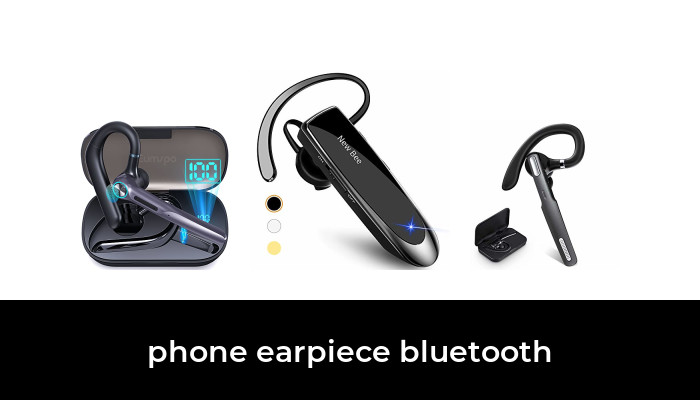
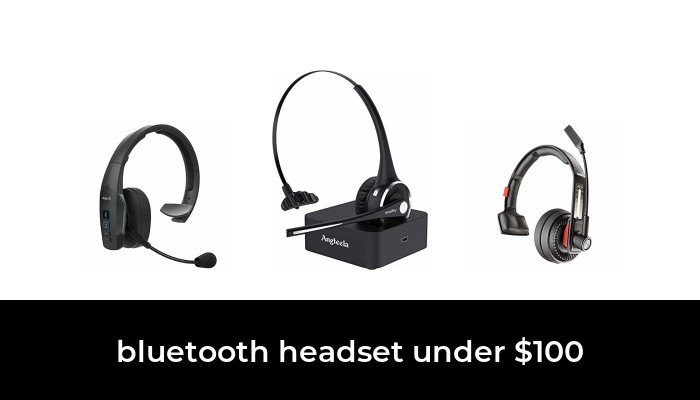
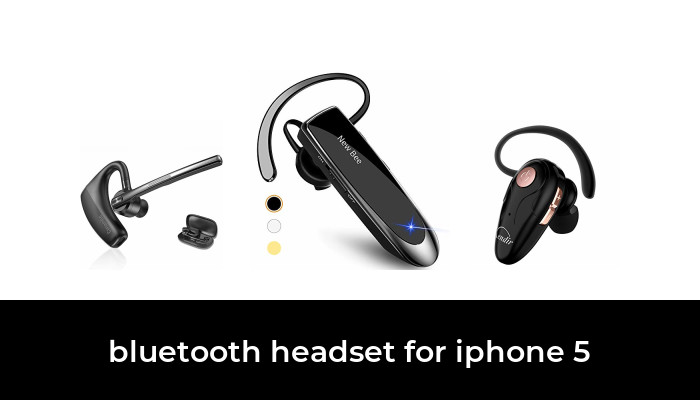
The Voyager 5200 is a single-ear mobile headset with an over-ear support and a microphone boom. The selected package is the black mobile headset, model 203500-101, with a charging cable and ear tips. It should not be confused with a 5200 UC or Office package that may include computer or desk-phone accessories.
The reason to consider it is straightforward operation. The Voyager 5200 user guide describes pairing through the iPhone’s Bluetooth settings and using physical controls for calls, volume and mute. Those instructions do not require installing an app before ordinary pairing.
However, the guide’s general iPhone instructions are not an iPhone 5s certification. Ask the supplier to confirm basic calling with your phone’s installed iOS version. If that confirmation is unavailable, treat this as a trial purchase with a usable return window, rather than a guaranteed compatibility recommendation.
Best fit: Someone who wants a dedicated single-ear calling device and can check its behavior with the actual phone. Main compromises: An older charging connection, an additional battery to maintain, and no access to the current mobile companion app on an iPhone 5s.
Why app compatibility changes the buying decision
At the time of checking, the HP Poly Studio Mobile App Store listing, formerly Poly Lens, requires iOS 17 or later. That rules out installing the current version on an iPhone 5s. Do not buy this headset expecting the app’s device-finding, personalization or update features to run on that phone.
App incompatibility is different from an inability to pair for basic calls. The headset manual documents a separate Bluetooth pairing process. Still, if you need a setting changed or firmware maintained, confirm the currently supported method and device requirements with HP. Old references to Plantronics Hub or an older app download are not a promise that those routes remain available.
For an occasional backup phone, this limitation may be acceptable. For work that depends on reliable calling every day, compare the total cost and inconvenience with moving to a supported phone before buying more accessories for the 5s.
How to check pairing and calls before keeping it
- Charge the phone and headset. Keep them close together and temporarily disconnect other phones paired to the headset.
- Follow the exact headset manual to enter pairing mode. On the iPhone, open Settings, then Bluetooth, and select the headset when it appears.
- Make an outgoing call and receive a call. Confirm that the other person hears the headset microphone and that you hear them through the earpiece.
- Check answer, end-call, volume and mute controls separately. Test any internet-calling app you actually use as a separate case.
- Turn the headset off and on, reconnect, and repeat the checks. Walk only around the normal space where you intend to use it.
These are checks for the buyer to perform, not tests we conducted. Keep packaging until the device passes your own checks and you have assessed fit. Avoid judging wireless reliability from an advertised maximum range; walls, interference and the phone’s hardware affect the result.
If it pairs but does not work properly
Start with the basics in Apple’s Bluetooth troubleshooting guidance: check power, keep the devices nearby, restart the accessory, and remove the old pairing before trying again. If the accessory works with another phone but not the 5s, ask the manufacturer about compatibility rather than repeatedly buying replacement units.
Also check the call’s audio destination and whether the headset is connected to another device. A paired headset may not be the active route for the current call. Persistent microphone or control failures are reasons to return an unsuitable product, not to assume that installing an unsupported app will fix it.
Fit, charging and a wired fallback
Try the supplied ear-tip sizes and check whether the over-ear section interferes with your glasses. Comfort is individual. A microphone boom that sits correctly for one person can press awkwardly against another person’s ear, especially during longer calls.
Keep the correct charging cable with the headset. Do not assume that an iPhone Lightning cable fits it or that a charging case is included because one appears in another 5200 listing. Read the selected package contents before ordering.
If wireless is optional, Apple explicitly includes iPhone 5s in the compatibility list for its EarPods with a 3.5mm headphone plug. These are wired stereo earphones, not a Bluetooth earpiece, but they avoid headset charging and wireless pairing. Choose the 3.5mm version rather than USB-C.
The practical decision is to prioritize confirmed basic calling over extra features. Consider the Voyager 5200 only with the compatibility limits understood; choose the wired fallback if simplicity matters more than wireless freedom. Set up and test either option while stationary, and keep your attention on your surroundings during use.
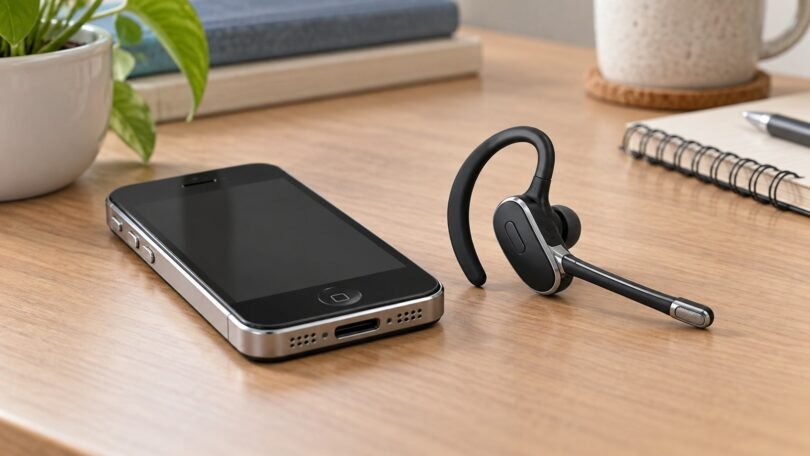
Image note: AI-generated editorial illustration; not a photograph of the named product.