
The best SDR receiver depends on what you want to hear and how you want to listen. A small USB receiver makes sense beside a laptop; a self-contained radio is easier when you want physical controls and no computer. For a computer-based listening station, the three options below cover an entry-level setup, focused shortwave listening, and broader coverage with more antenna flexibility.
Start by choosing your listening bands, then check software compatibility and antenna requirements. Budget for the complete setup: receiver, antenna, suitable cable, and any connector adapters.
USB receiver, standalone radio, or transceiver?
- Receive-only USB SDR: The computer provides the display, tuning controls, and audio processing. This is useful for seeing a waterfall display and exploring public broadcasts. All three recommendations below are this type.
- Standalone SDR receiver: Built-in controls, a display, and audio output let you listen without a laptop. Check battery arrangements, speaker quality, tuning ergonomics, and the exact supported modes before buying.
- SDR transceiver: This can transmit as well as receive. It adds features and responsibilities that a receive-only listening station does not need. Choose this category only when transmitting is part of your plan.
Three SDR receivers to consider
RTL-SDR Blog V4L Lite: for a first USB setup
The V4L covers 500 kHz to 1.766 GHz, uses an 8-bit converter, and includes an HF upconverter. Its datasheet lists 2.56 MHz stable bandwidth, an SMA antenna input, and a USB-A plug. Allow for an antenna and, on USB-C-only computers, a suitable adapter.
The model name matters. RTL-SDR Blog ended V4 production in May 2026; the V4L introduced afterward retains HF upconversion but has less front-end filtering. It is not simply the same receiver with a new label.
Main caution: Verify V4L support in your specific app and operating system using the current driver guide. Older software can need updates, and macOS packages may lag. Choose it if you are comfortable with some setup; avoid assuming every program supporting an older RTL-SDR will work immediately.
Check the V4L Lite at the official RTL-SDR Blog store.
Airspy HF+ Discovery: for shortwave and medium-wave listening
The HF+ Discovery is a focused choice for listeners who prioritize HF reception. Airspy currently specifies 0.5 kHz–31 MHz and 64–260 MHz, with up to 660 kHz of alias- and image-free output. Its preselection filters and gain-control architecture are designed to handle unwanted strong signals.
The trade-off is coverage: there is a gap between its HF and VHF ranges, and it does not cover UHF. Its narrower spectrum window is suitable for inspecting a portion of a shortwave band, rather than viewing several megahertz at once. Check Airspy’s software downloads for an application that fits your computer.
SDRplay RSPdx-R2: for broad coverage and several antennas
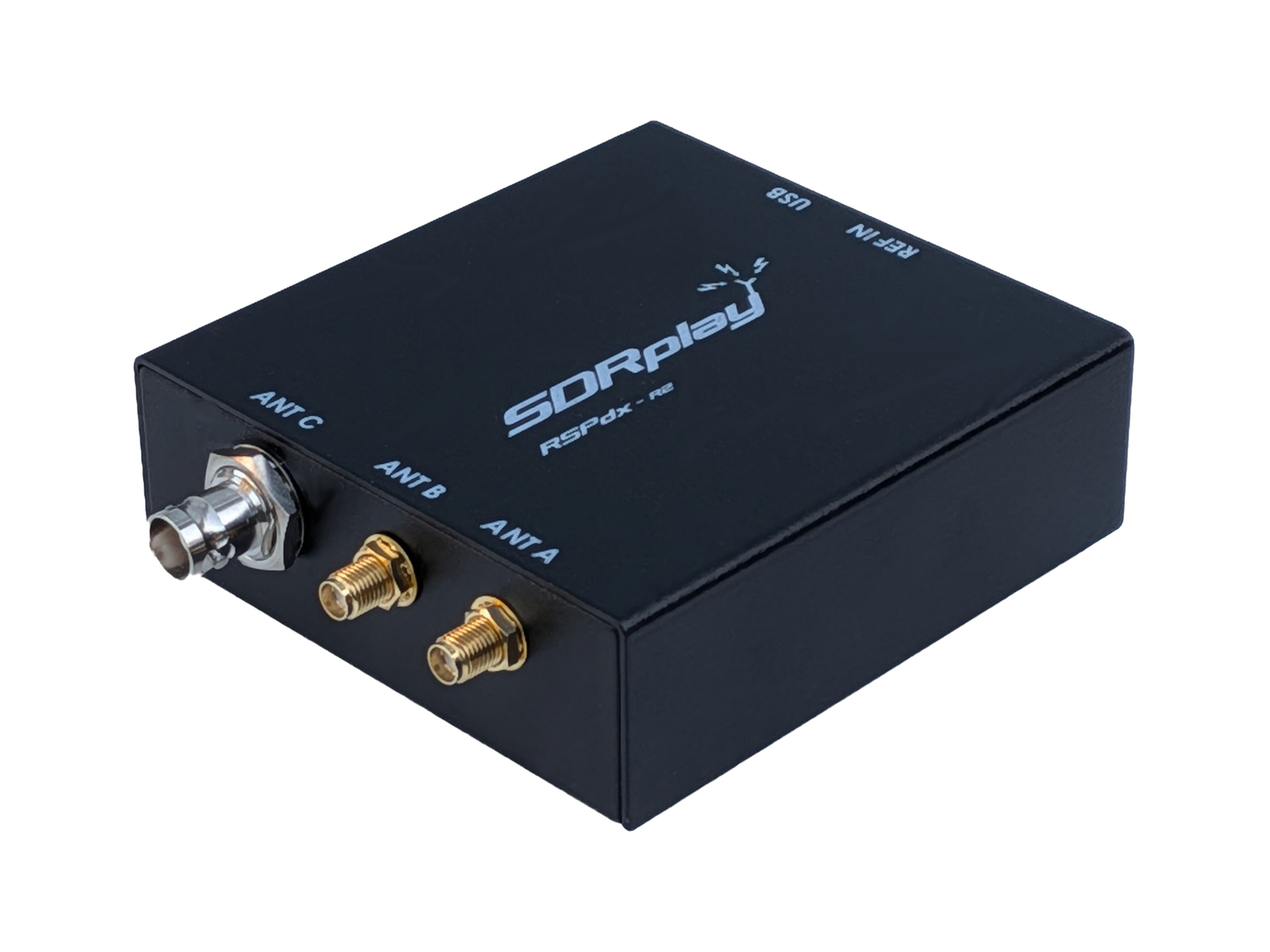
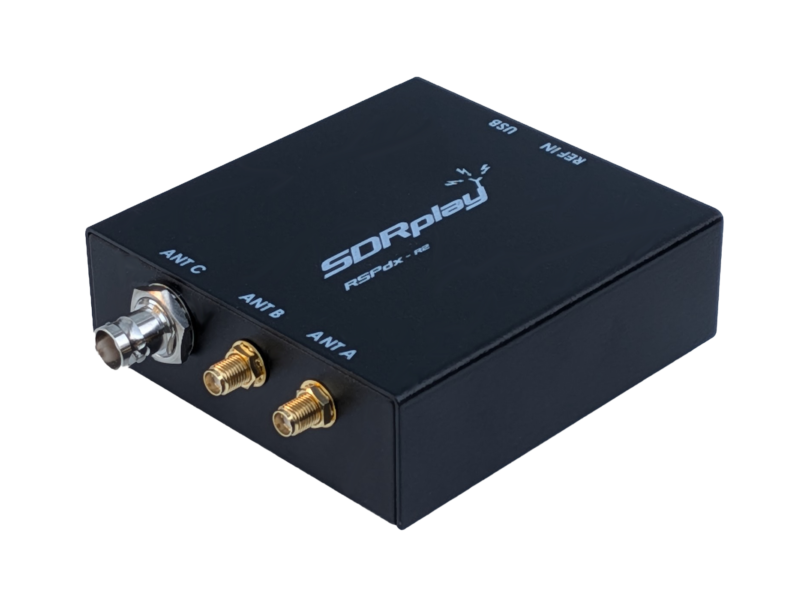
The RSPdx-R2 covers 1 kHz–2 GHz through its SMA inputs and can display up to 10 MHz of spectrum. Its two SMA inputs and one BNC input let you leave different antennas connected and select between them in software. The BNC input stops at 200 MHz.
It is still a single-tuner receiver: three sockets do not provide three independently tuned radios. Its low-frequency HDR mode and selectable broadcast-band notch filters are useful features to consider around strong signals. SDRplay’s SDRconnect supports Windows, macOS, and Linux; check the supported operating-system versions and processor architecture.
The specifications that change the buying decision
Frequency coverage: Write down the bands you want before comparing maximum frequencies. HF coverage deserves particular attention. The older RTL-SDR Blog V3 uses direct sampling for basic HF reception, while V4 and V4L use built-in upconversion. Other receivers may require an external upconverter. Check the exact hardware revision rather than relying on a listing that says only “RTL-SDR.”
Bandwidth: Tuning range is everything the radio can reach; instantaneous bandwidth is the slice available at one time. A wider slice helps you explore more of a band, but increases computer and recording demands. Audio filter width is a separate setting.
Dynamic range and filtering: A nearby powerful station can overwhelm a receiver even when you are tuning elsewhere. More gain is not always better. Front-end filters and attenuation can matter more than a headline bit count. The RSPdx-R2 datasheet, for example, shows that converter resolution decreases at higher sample rates, so “14-bit” and maximum bandwidth are not simultaneous guarantees.
Getting the antenna and USB setup right
- Choose an antenna for the bands you actually want. A short telescopic antenna is not a universal substitute for a suitable HF wire or loop.
- Match connector type and gender. Check SMA versus reverse-polarity SMA carefully before ordering adapters.
- Use a data-capable USB cable where required. Try a direct computer connection first; if audio stutters, reduce the sample rate and check the cable or hub.
- Move the antenna away from the computer, chargers, and other noisy electronics before buying an amplifier.
- Leave bias-tee power off unless a compatible active antenna or amplifier requires it. Verify its voltage and current requirements in the receiver’s manual.
Before you buy
For an inexpensive computer-based introduction, consider the V4L after checking drivers. For mainly shortwave and medium-wave listening, consider the HF+ Discovery. For wider coverage and convenient antenna switching, consider the RSPdx-R2.
Check the exact model, included accessories, seller, and return terms. Start with public broadcasts, and check local rules before receiving, recording, or sharing other communications. Receive-only hardware does not remove privacy restrictions; Ofcom’s UK guidance, for example, distinguishes general reception from unauthorized interception and disclosure.