
Choose the iPad (A16) for a general-purpose newspaper tablet, the Samsung Galaxy Tab A11+ if you prefer Android, or the iPad mini (A17 Pro) when portability matters most. For a print-style digital edition, start around 11 inches. A smaller tablet makes more sense when you normally read individual articles with adjustable text.
Before buying anything, check how your newspaper delivers its subscription. Its website, news app, print-replica edition and a library service can offer different articles and features. The right screen is useful only if the publication you want is accessible on it.
Research checked October 4, 2026, against official tablet specifications and publisher or library guidance. We have not tested these devices for reading comfort, glare, battery life or accessibility. Recommendations are editorial judgments; prices and app support can change.
Which tablet fits your reading style?
| Tablet | Screen | Choose it for | Watch out for |
|---|---|---|---|
| Apple iPad (A16) | 11-inch class, 2360 × 1640 | Mixed article reading and digital editions | Larger than a compact reader; a case adds weight |
| Samsung Galaxy Tab A11+ | 11-inch, 1920 × 1200 | Android newspaper apps and web reading | Lower pixel count than the standard iPad |
| Apple iPad mini (A17 Pro) | 8.3-inch, 2266 × 1488 | Commuting and adjustable-text articles | More zooming for full-page newspaper layouts |
These are three different compromises, not a claim that one tablet is best for every reader. There is little reason to pay for a flagship processor solely to read text.
1. iPad (A16): the general-purpose choice
Apple’s iPad (A16) specifications list an 11-inch-class display at 2360 × 1640 pixels and 264 pixels per inch, with 128GB as the smallest storage option. Apple measures the rectangular display diagonal as 10.86 inches; the rounded corners reduce the actual viewable area.
It is a sensible first comparison for someone who reads both articles and replica editions and also wants email, video calls or other apps. The larger page area is more useful for that mixed routine than paying mainly for a smaller, more powerful device.
Tradeoff: even an 11-inch tablet is much smaller than an unfolded newspaper. You may still need to zoom into columns. Before purchasing, open a sample edition and assess the font size you need, rather than assuming the entire front page will be readable at once.
2. Samsung Galaxy Tab A11+: the Android alternative
The official Galaxy Tab A11+ specifications describe an 11-inch, 1920 × 1200 screen. Choose this family if you prefer Android and your publisher provides the required app in your local Google Play store.
For newspaper reading, compare the display with your own material rather than choosing on processor specifications. Check small captions, photographs and the edges of letters at a normal reading distance. If you use large text in article mode, the practical difference may matter less than the way the app lays out paragraphs.
Tradeoff: newspaper apps can have different features on Android and iPad. Do not assume a feature shown in an iPad demonstration, such as a particular page view or accessibility control, is also present in the Android version. Confirm the exact local tablet configuration and app version.
3. iPad mini (A17 Pro): for portable article reading
The iPad mini specification lists an 8.3-inch screen, 2266 × 1488 resolution and a 293g weight for the Wi-Fi model. It also lists a laminated display and antireflective coating. Those are manufacturer specifications, not a promise of glare-free outdoor reading.
This is the compact choice when your routine is opening individual stories, enlarging text and carrying the tablet in a small bag. Its size matters more to this recommendation than its A17 Pro chip.
Tradeoff: a sharp small screen is still small. A full newspaper page will require more zooming and panning than on a larger tablet. If you mainly read a facsimile of the print paper, try that exact edition before paying a premium for portability.
Article view versus print replica: the most important choice
A responsive article view rearranges a story for the screen. A print-replica edition preserves the newspaper page, including columns and surrounding articles. They are different experiences, even when they belong to the same newspaper subscription.
For example, PressReader’s publisher listing describes both original print view and a mobile-optimized text view. Before choosing a tablet, find out whether your own publication offers a similar switch. It can make a bigger difference than moving from one modern processor to another.
Use a sample issue to answer three questions: can you open an article directly, does enlarged text reflow without sideways scrolling, and can you navigate back to the issue without losing your place? Do not assume a generic PDF reader can reproduce every feature of the publisher’s app.
Check access and offline reading before you buy
- Identify the actual service. Record whether you use the publisher’s website, its regular app, a separate e-edition app or a service provided by your library.
- Check subscription coverage. Confirm that your plan includes the digital edition you want. A free app download does not mean every issue is free.
- Verify the app listing. Check supported operating systems and regional availability on the exact tablet. A very old bargain model may no longer meet the requirement.
- Try the offline workflow. Download a complete issue when connected, then disconnect and check that stories and pictures open. A saved headline or bookmark may still require internet access.
- Check renewal rules. Library access and publisher subscriptions can need periodic online sign-in. Ask the provider how long downloads remain accessible.
The Toronto Public Library’s PressReader guidance explains that its iOS or Android app is required for downloading newspapers and magazines for offline use. Other libraries and publishers may have different catalogs, sign-in rules or download conditions.
Other features worth checking
Holding position: try the tablet with a case, because the complete setup is what you will hold. A stand can be more useful than a lighter device if you usually read at a table.
Text and accessibility: try the actual newspaper with your preferred font size, screen reader or spoken-content settings. System-level enlargement does not guarantee that every app screen, PDF or scanned page responds in the same way.
Connectivity: a Wi-Fi model can be enough if you download at home. Cellular costs more to buy and may need a separate data plan. Confirm your offline routine before paying for it.
Frequently asked questions
Is an e-ink reader better for newspapers?
It can suit mostly text-based reading, but verify the exact publication and app support first. Refresh behavior, color presentation, page navigation and PDF handling deserve a demonstration. A device that is excellent for novels is not automatically the best newspaper reader.
How much storage do I need?
Check the size of several actual downloaded issues and how long you want to keep them. An archive with photographs and magazines uses more space than a few daily editions. Confirm whether the app allows old downloads to be removed without deleting your account or subscription.
Should I choose the largest screen available?
Only if the extra page area outweighs the additional size, weight and cost for you. For most mixed reading, begin with the 11-inch class; for commuting and article mode, try a compact model.
What should I test during the return period?
Read one complete issue in your usual chair or commuting position, at the brightness and text size you prefer. Include sign-in, downloading, page turning and charging in the trial. Keep the tablet that makes that routine easy.
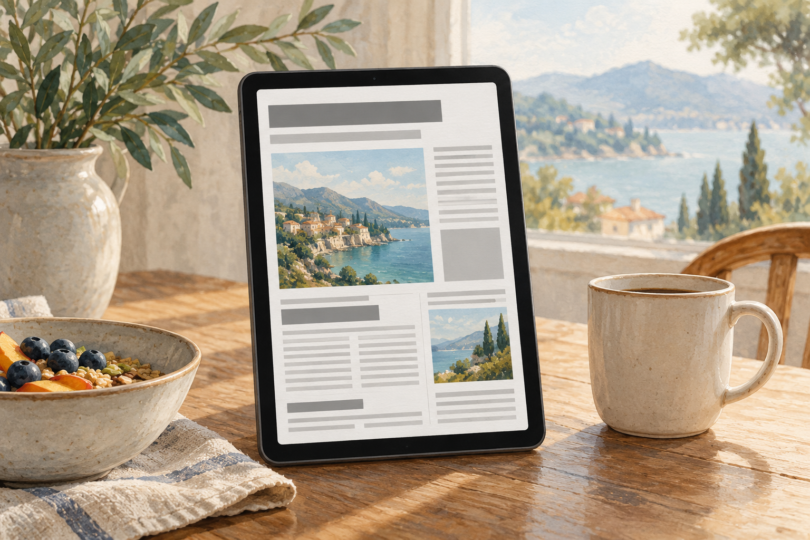
Image note: AI-generated generic editorial illustration; the page is fictional and does not show a newspaper subscription, named app or specific tablet model.